
AI + Designer
Your ideas. Your form.
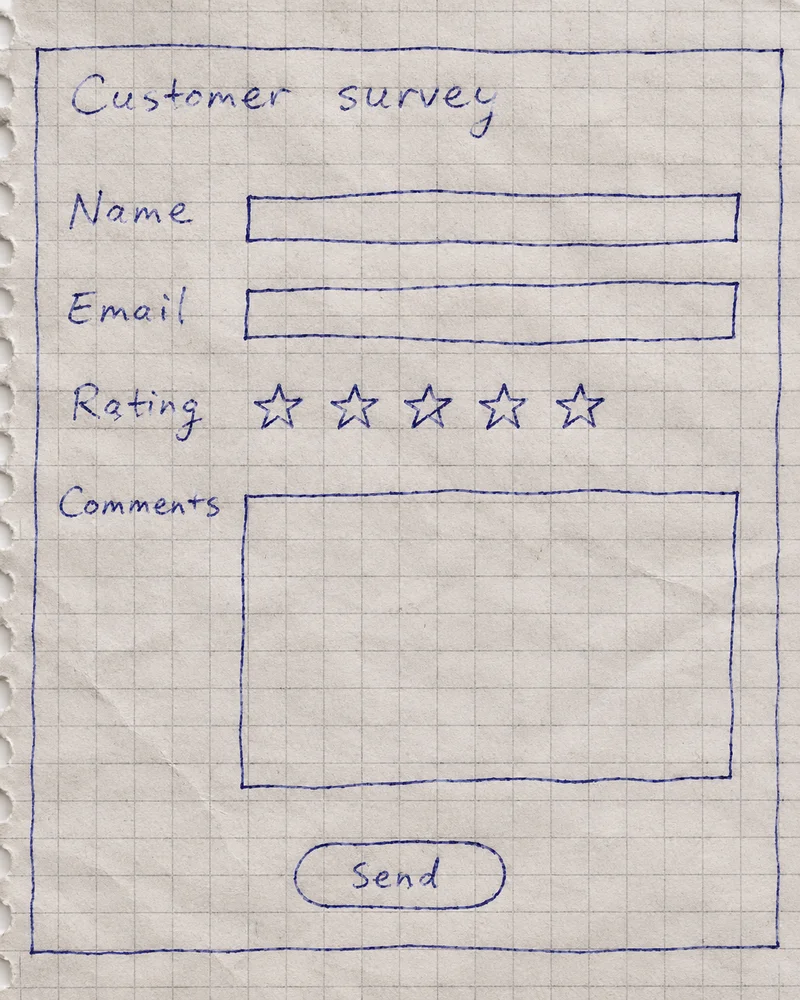
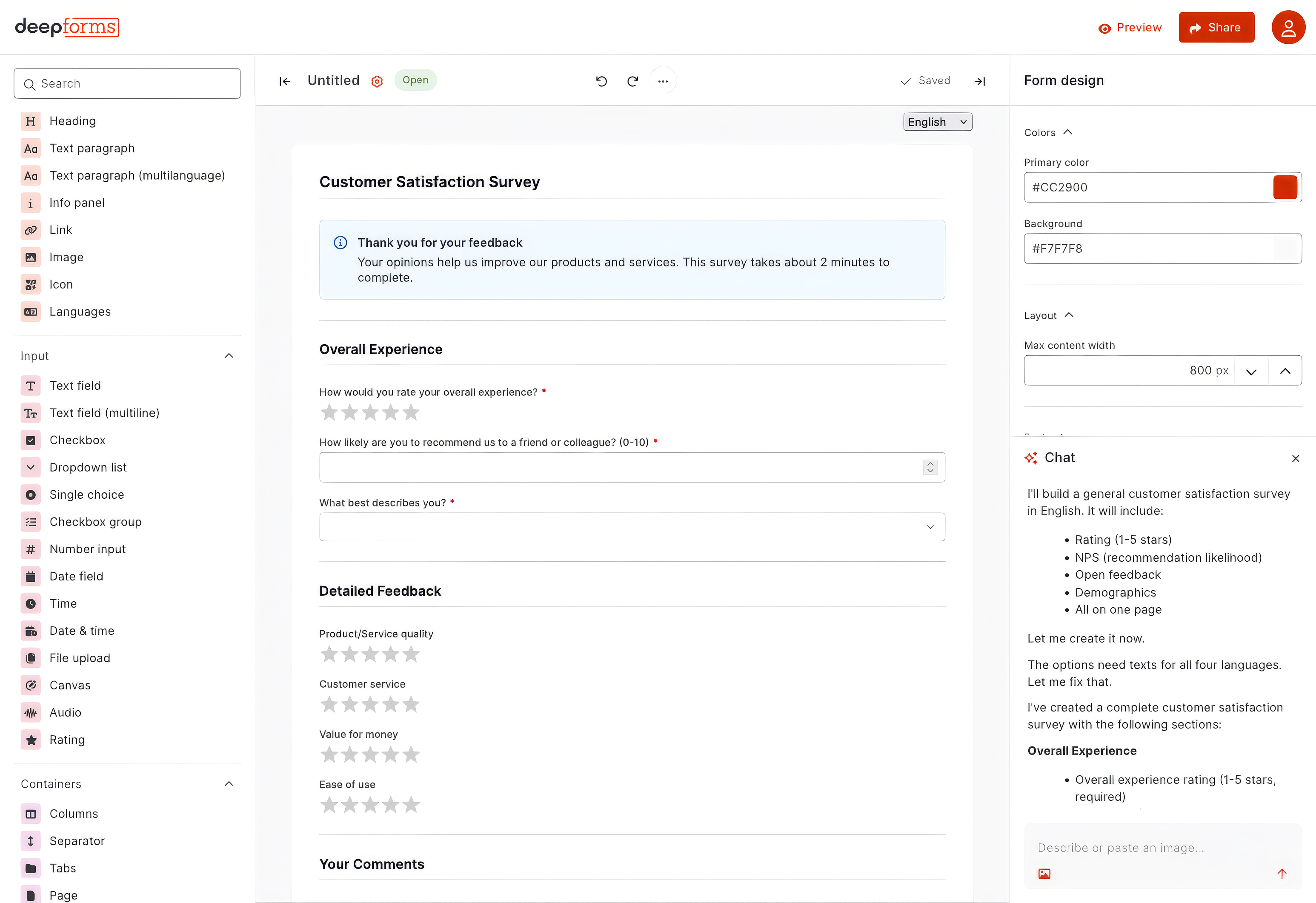
Build forms in the editor or with AI from a prompt, a photo of a paper form or even a hand-drawn sketch. Customise everything from surveys and registrations to live polls for events, lessons and presentations.
A part of the DeepCloud ecosystem
Create forms in seconds with AI. Securely collect responses from customers and partners and automatically send them to your business software.
Build your form, share it with the right people and collect responses securely.
Create
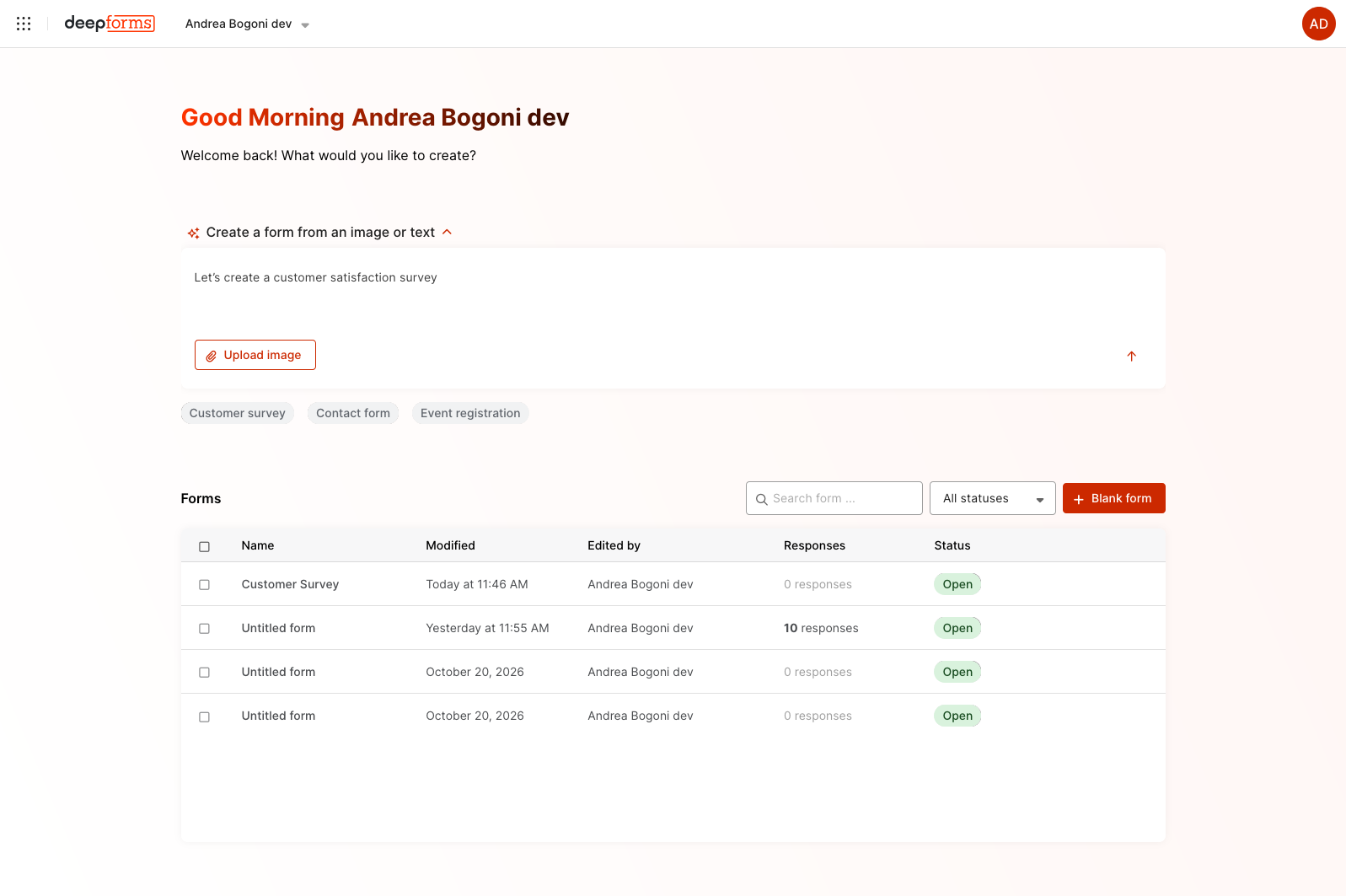
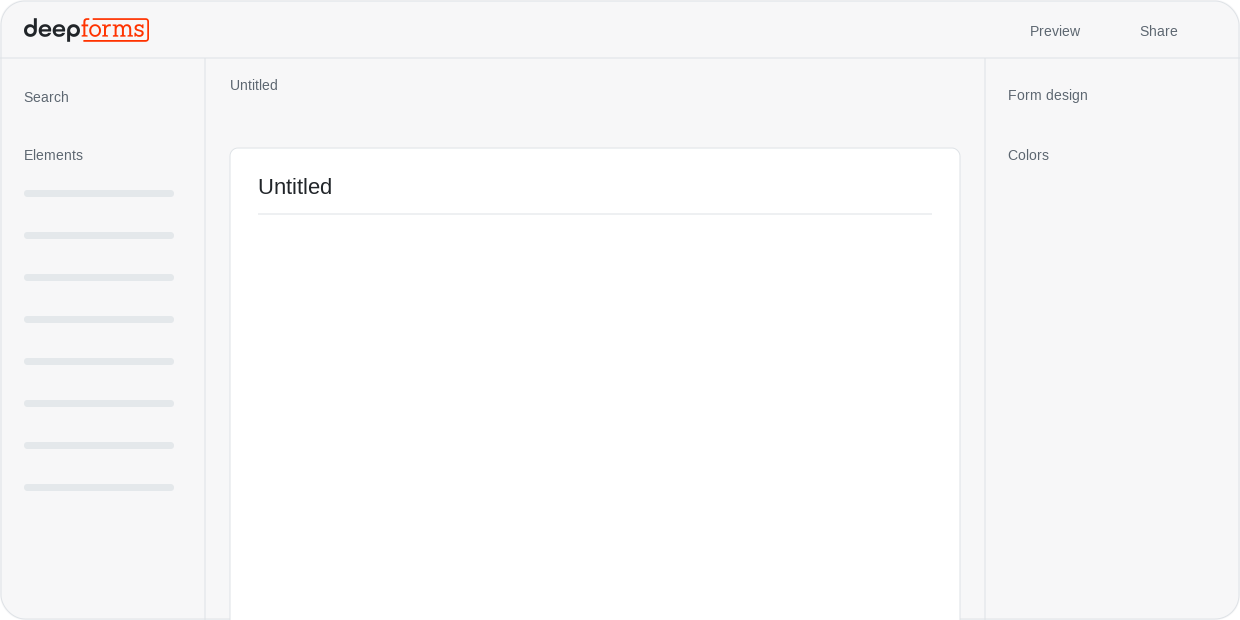
Create a form with AI or build it from scratch in the visual editor. Easily customise the fields to collect the information you need.
Share
Share your form with customers or partners. Let them open it on their phone via a direct link or by scanning a QR code.
Secure
Manage responses on DeepForms’ ISO-certified Swiss infrastructure or automatically send them to Abacus and other business software.
AI + Designer
Build forms in the editor or with AI from a prompt, a photo of a paper form or even a hand-drawn sketch. Customise everything from surveys and registrations to live polls for events, lessons and presentations.
Sharing
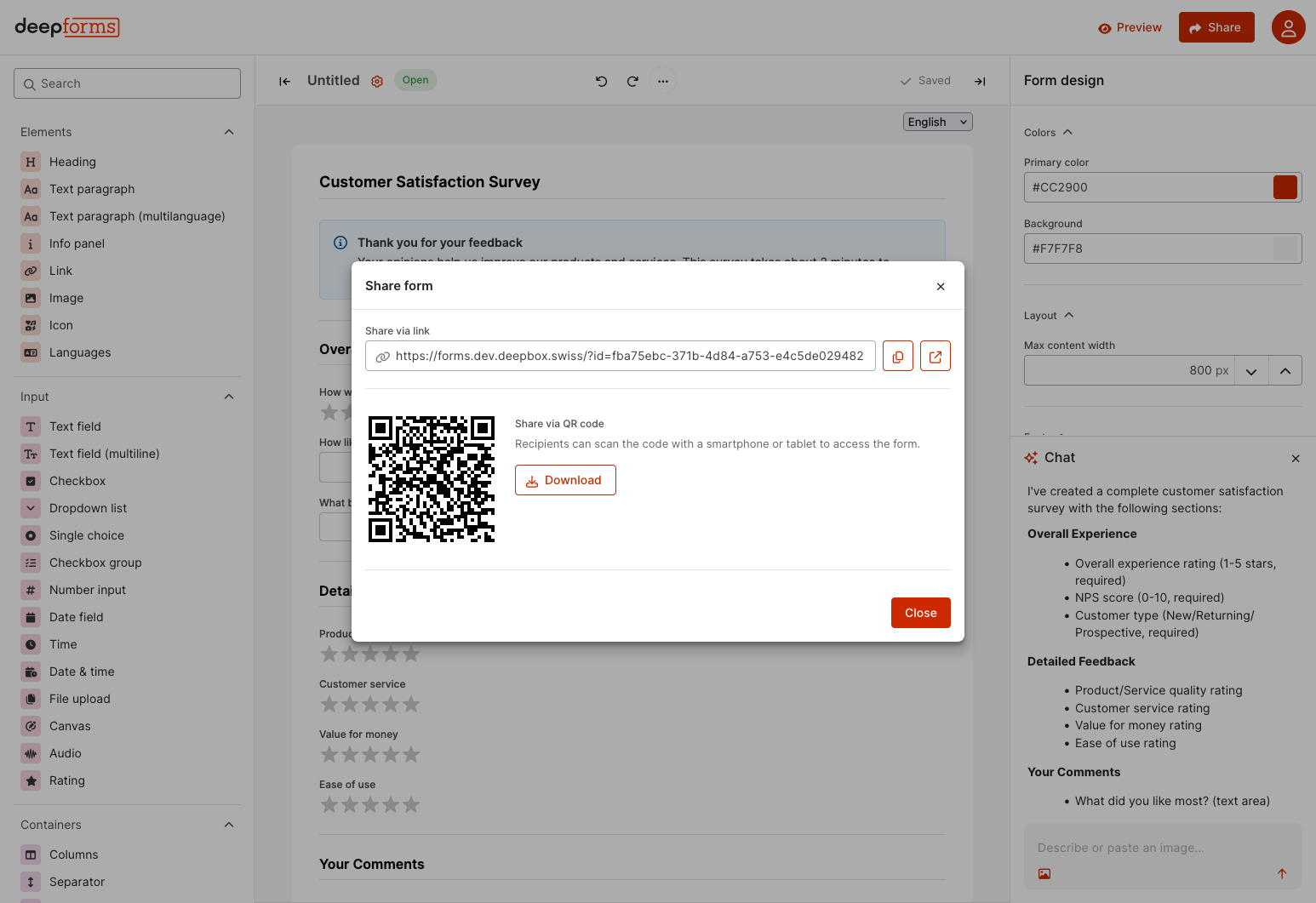
Share your forms via a direct link or a downloadable QR code. Let people respond from their smartphone or tablet, or join a live session with an access code.
Data
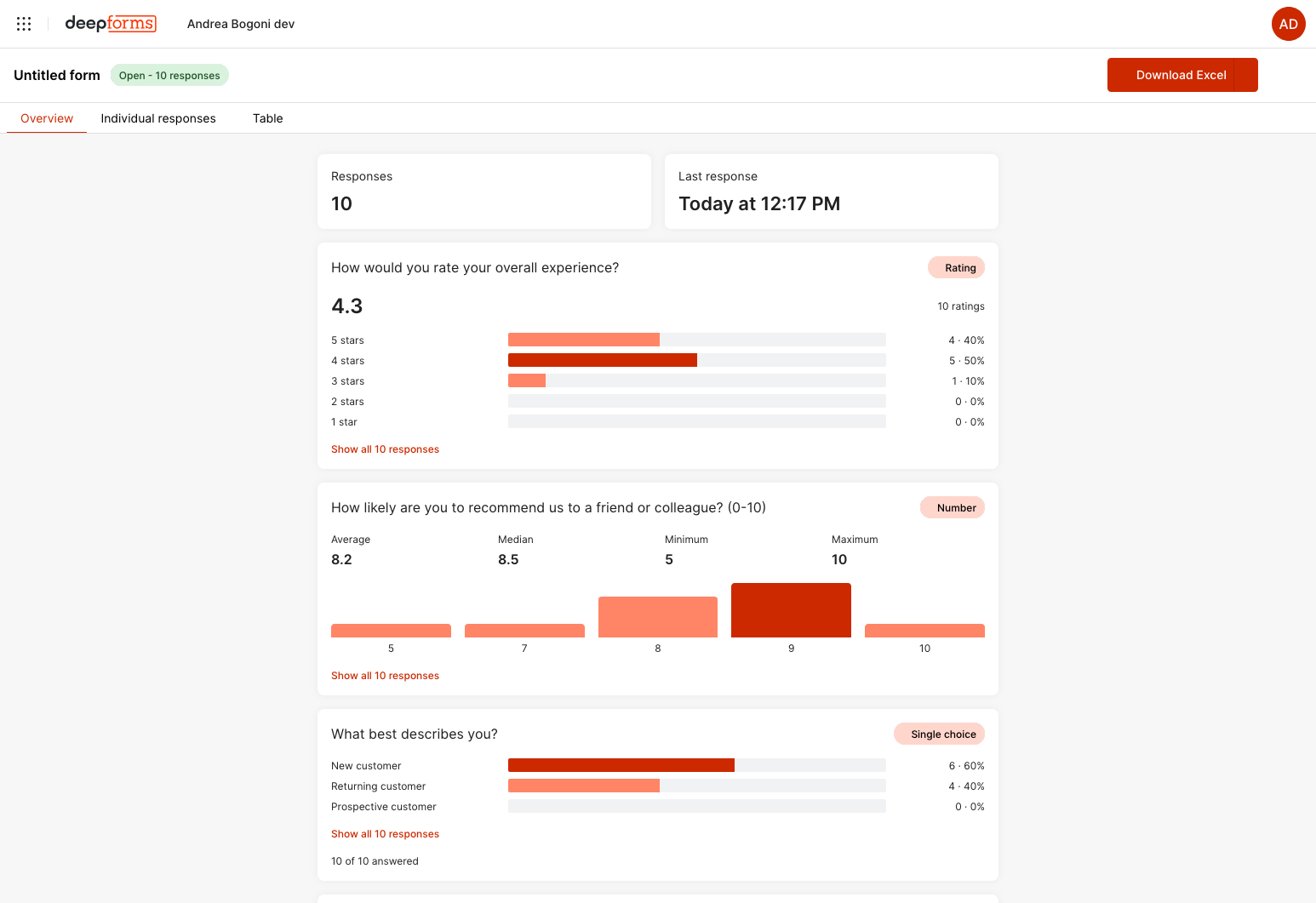
Collect and review responses in DeepForms, with charts, lists and Excel exports. Or automatically send responses to your business software, including Abacus.
Make your event, lesson or presentation interactive. Ask questions, collect live feedback and share results as they happen.


Switch to presentation mode to run a live poll or collect ideas in a word cloud.
Let participants join on their phones with a QR code or access code and answer as you present.
Display responses on screen as they come in so everyone can see the results together.
Keep your customer data up to date. Let customers check and correct their details through a simple form, and send updates directly to Abacus or other business software.

Send a form prefilled with the customer’s details.
Let customers correct contact and billing details in one form.
Transfer customer updates to your CRM automatically and securely.
Find out what your customers think. Collect feedback on your products and services, understand their experience and discover where to improve.

Build surveys with ratings, multiple-choice questions and open-ended responses.
When ready, share your survey via a link or QR code.
Spot trends in DeepForms or automatically send responses to your business software.
Make it easy to report equipment issues. Collect the details you need and create service requests directly in your business software, including Abacus.

Add a QR code to equipment so people can report issues on the spot.
Capture the issue and the maintenance needed in one form.
Automatically generate service requests in your ERP for seamless workflows.
Get invoices and other documents reviewed by external approvers without giving them access to your business software.

Share a document from Abacus or other business software via a form.
Show the document alongside the form so reviewers can edit the relevant fields and add a note.
Let reviewers approve or reject the document, with their decision ready for the next step in your workflow.
Protect the data you collect from the moment a form is submitted.
Your forms and responses are hosted exclusively in Switzerland.
Safeguards designed to meet EU GDPR and Swiss FADP requirements.
Certification covers DeepCloud’s information security management system.